
Windows
x86_64 · recommended
- File
- Dusklight-v1.4.1-win32-x86_64.zip
- Size
- 35.9 MiB
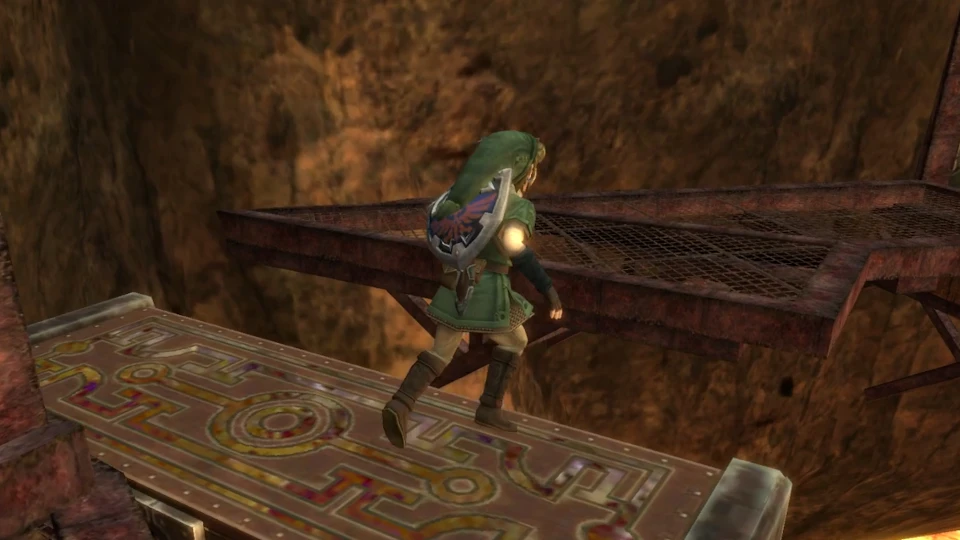
Current stable release · v1.4.1
Download Dusklight, formerly known as Dusk, for Windows, Android, Linux, macOS, or iOS. This open-source Twilight Princess reimplementation adds native PC and mobile support, modern controls, fixes, and customization while requiring your own legally obtained GameCube game data.
Independent guide. Files are served from the verified TwilitRealm GitHub release. No ROM, ISO, RVZ, or copyrighted Nintendo game data is included.
Official release files
Choose the Dusklight download that matches both your operating system and processor. Most Windows PCs use x86_64; most current Android devices use ARM64. Apple silicon Macs use arm64, while older Intel Macs use x86_64. If you are uncertain, read the platform guide before starting the download.
x86_64 · recommended
ARM64 APK
x86_64 AppImage
ARM64
Apple silicon ARM64
ARM64 IPA
ARM64 AppImage
Intel x86_64
Every button points to a file published in the official TwilitRealm GitHub release. The 15-second preparation step keeps the chosen platform visible before the transfer begins.
Dusk became Dusklight
Dusklight is a reverse-engineered reimplementation of The Legend of Zelda: Twilight Princess. The project was previously called Dusk, which is why searches such as Dusk Twilight Princess, Twilight Princess Dusk, Project Dusk, and Dusk Zelda still lead players to the same software. The current Dusklight name is the one used by TwilitRealm for new releases and official documentation.
Unlike a traditional emulator, Dusklight rebuilds the game logic as a native application for supported desktop and mobile platforms. That approach lets the project expose modern rendering backends, input options, touch controls, texture replacement, platform-specific performance improvements, and other enhancements without distributing Nintendo's original game assets.
The download is only the Dusklight application. To play, you must dump your own copy of a supported GameCube release and provide that data during setup. The project currently supports GameCube releases; support for other versions is planned but should not be assumed when choosing a disc image or preparing files.
This site organizes every verified Dusklight download and practical setup information for people who arrive through old Dusk PC port terminology. It does not replace the official project website, GitHub repository, Discord, or release notes. When a version, platform, or compatibility claim changes, the official TwilitRealm sources take priority.
Before using a Dusklight download, compare the filename, version, operating system, and processor architecture with the release table. Preserve a clean copy of the application and back up user data before updating. This check makes it easier to distinguish a wrong build or damaged transfer from a game-data, graphics, input, or mod problem.
Dusklight does not include Twilight Princess, a ROM, an ISO, an RVZ image, keys, or copyrighted art and audio. You are responsible for dumping a copy you own and following the laws that apply where you live.
Built beyond emulation
The value of the Dusklight PC port is not simply launching Twilight Princess on another device. Its native builds expose modern platform capabilities and a maintained codebase while preserving the original adventure as accurately as the project can.
Run a platform-specific build on Windows, Linux, or macOS rather than configuring a general-purpose console emulator. Select the correct architecture and keep the extracted application folder intact.
Use touch-oriented builds on supported ARM64 phones and tablets. Version 1.4.1 improves touch behavior and Android frame-rate configuration on some devices.
Configure controllers, keyboard and mouse behavior, touch controls, and project-specific options. Individual layouts and device drivers can still require adjustment.
Current releases include GPU backend fixes and platform-specific performance work. Results still depend on the device, graphics driver, rendering API, and chosen settings.
The project supports customization features such as texture replacement. Use compatible packs from sources you trust and test them against the release version you are running.
Source code, issues, releases, and changelogs are available through TwilitRealm's GitHub repository, making it possible to verify where each download comes from.
From download to first launch
A successful install has two separate parts: the Dusklight program and your own supported Twilight Princess game data. Do not expect the downloaded ZIP, APK, AppImage, or IPA to contain the game itself.
Match the release file to your operating system and processor. Most Windows and Steam Deck users need x86_64, modern Android devices need ARM64, and Apple silicon Macs need the macOS ARM64 ZIP.
Extract desktop ZIP files before launching them. Mark the Linux AppImage executable. Android requires sideloading the official APK, while iOS requires a supported installation method such as AltStore or iloader.
Prepare a supported GameCube dump from a copy you own, then follow the application's first-run flow. RVZ can save space, but the file must still represent a supported, valid dump.
Compatibility at a glance
At minimum, Dusklight expects a graphics processor that supports D3D12, Vulkan 1.1 or newer, or Metal. Best-effort D3D11 and OpenGL ES support exists for older hardware and Android, but accuracy and performance may be lower.
Check full requirements| Area | Current requirement |
|---|---|
| Supported game data | A user-provided dump of a supported GameCube release |
| Preferred graphics APIs | D3D12, Vulkan 1.1+, or Metal |
| Best-effort fallbacks | D3D11 and OpenGL ES on Android |
| Desktop platforms | Windows, Linux, and macOS builds for listed architectures |
| Mobile platforms | Android ARM64 APK and iOS ARM64 IPA |
Official project media
These images come from the official TwilitRealm website and show real project media, not generated gameplay.
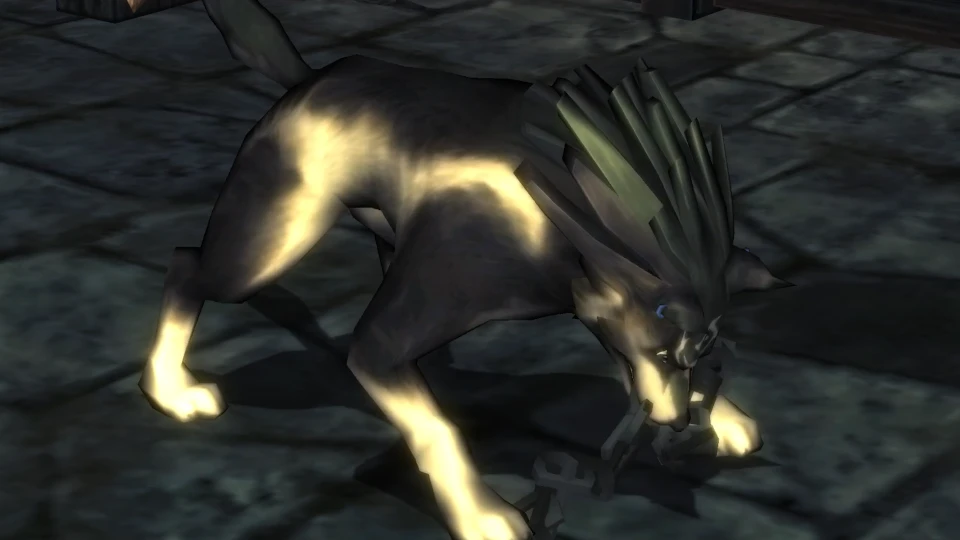
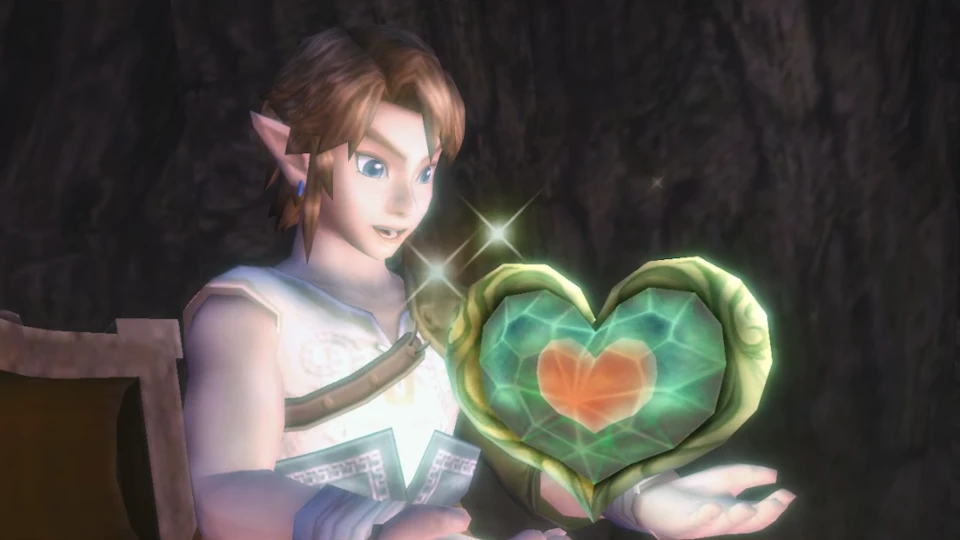
Released June 16, 2026
The current stable release is v1.4.1, published June 16, 2026. It is primarily a quality and regression-fix release after v1.4.0, with improvements for mobile controls, Android frame pacing, texture replacement, GPU behavior, and interface input handling.
Before you download
Yes. Dusklight is the current name of the project previously known as Dusk. Older search results, videos, discussions, and links may still call it Dusk, Project Dusk, or the Dusk Twilight Princess PC port.
No. The release contains the open-source Dusklight application but no Nintendo game data. You must provide a dump from your own supported GameCube copy. This site does not host ROM, ISO, RVZ, keys, art, music, or other copyrighted game assets.
The latest stable release verified on July 21, 2026 is Dusklight v1.4.1, published June 16, 2026. Check the linked TwilitRealm GitHub release before downloading if you visit later, because new versions may supersede it.
Most Windows 10 and Windows 11 PCs use the win32-x86_64 ZIP. Choose win32-arm64 only for a Windows on ARM device. Extract the ZIP completely before running the executable; do not launch it from inside the archive.
Yes, an official Android ARM64 APK is available. It is distributed outside Google Play, so Android may ask you to allow installation from your browser or file manager. Use only the verified TwilitRealm release link and review the Android guide before sideloading.
The Linux x86_64 AppImage is the usual starting point for Steam Deck. Mark it executable, test it in Desktop Mode, then add it to Steam as a non-Steam game if you want to launch it from Gaming Mode.
The official project documentation currently identifies GameCube releases as supported and says support for other versions is planned. Do not assume a Wii dump is compatible simply because it is also Twilight Princess.
No. Dusklight Wiki is an independent guide that links to verified TwilitRealm downloads and documentation. It is not operated by TwilitRealm or Nintendo and does not claim ownership of their names, software, characters, or game assets.
Current stable release
Choose the build that matches your device, then follow the install guide using your own legally obtained GameCube game data.
Choose your platform