
As of August 16, 2026, the latest stable Dusklight release checked for this guide is v1.4.1. The official project also exposes randomizer-related development work and issue discussion, but that evidence is not the same as a supported, one-click randomizer package. Do not replace a working stable build with an unverified archive just because a search result calls it a Dusklight randomizer.
If you want to test a randomizer path, keep the stable release intact, use a separate folder or profile, back up saves and settings, and record the exact branch or commit. Test your own legally obtained Twilight Princess game data only after the normal Dusklight install works. This gives you a clean comparison when the experimental path crashes, ignores a setting, or produces a different result.
Archipelago adds another boundary. A tracker, a randomizer patch, an emulator workflow, and an application integration are separate pieces. The existence of an Archipelago room or a community guide does not prove that the current Dusklight stable release has official multiworld support. The safest answer is therefore status-first: verify the official branch and issue evidence, then decide whether an isolated experiment is worth the risk.
This page does not host ROMs, repack experimental builds, or promise compatibility that the official project has not documented. It explains how to evaluate the path and where to stop. For the ordinary application, use the stable installation, update, mods, and troubleshooting guides linked below.
- Latest stable release checked
- v1.4.1
- Status of randomizer path
- Experimental evidence
- Archipelago promise
- Do not assume support
- First safety step
- Back up saves and settings
- Game data
- Use your own legal copy
- Rollback rule
- Keep the stable build separate
What does Dusklight randomizer mean?
Searches for Dusklight randomizer combine several different questions. Some people mean a randomizer patch for Twilight Princess. Others mean a custom Dusklight branch, a community fork, an Archipelago multiworld connection, or simply a tracker used next to the game. Those paths can share words while requiring different files, versions, and support expectations.
The useful distinction is between a stable application and an experimental workflow. A stable build should be judged by the official release notes and package, while a branch should be judged by its commit, README, open issues, and reproducible behavior. A tracker can help a player follow a seed, but it cannot add randomizer support to an application by itself.
Use the phrase Twilight Princess randomizer as a related search term, not as proof that every DuskLight build supports every randomizer. The page goal is to help you identify which layer you are testing before you overwrite files or move a save.
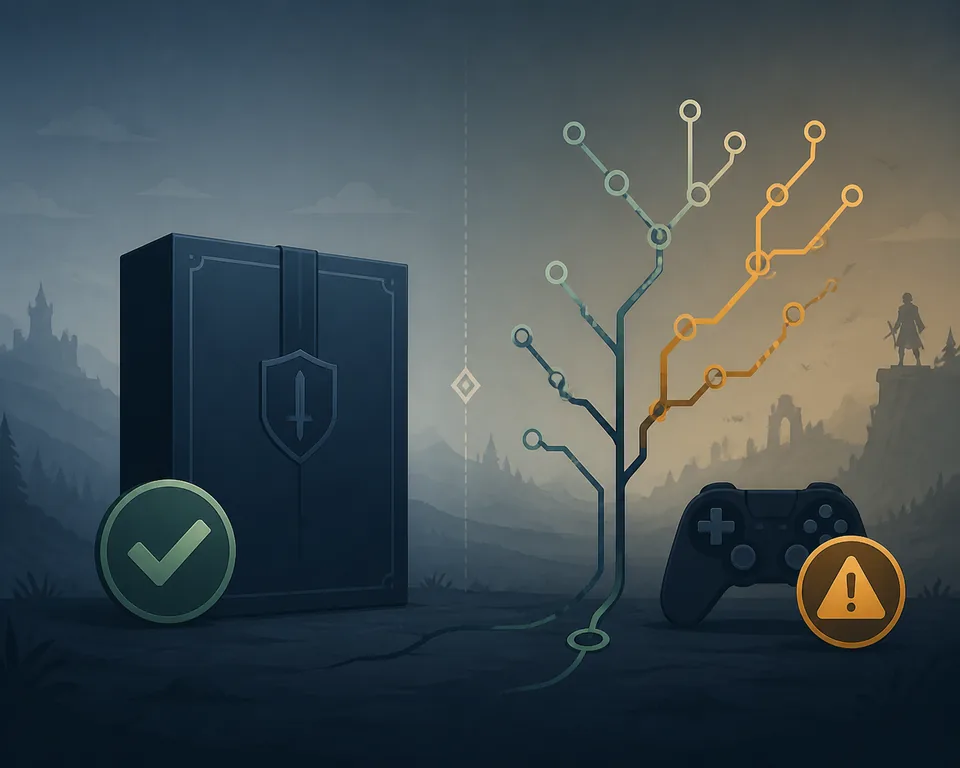
Check the official Dusklight randomizer status first
Start with the TwilitRealm release page, the official repository branch list, and the issue tracker. The release page answers what is packaged for ordinary users. The branch and issue pages show whether randomizer work is experimental, incomplete, or affected by known crashes. Record the date you checked because active development can change the answer.
For this guide, the stable release check found v1.4.1, published on June 16, 2026. That is the reference build for a clean baseline. The presence of a randomizer branch or randomizer-related issue is useful evidence that development exists, but it is not a guarantee that the branch is installable for every platform or compatible with the stable save format.
Do not copy a randomizer branch over the stable folder and do not use a download mirror that cannot show the source commit. If a page offers a file without an official release entry, a source reference, a version, and a rollback path, treat it as an unverified community artifact rather than an official Dusklight download.
A good status check answers four questions: which build is stable, which branch or commit is being tested, which platform is supported, and which failures are already known. If one answer is missing, stop at research instead of turning a vague tutorial into a risky install.
- Open the official stable releaseConfirm the current tag, package name, date, and release notes before changing the working install.
- Inspect the randomizer branchUse the source branch or commit as the identity of the experiment; do not rely on a renamed archive.
- Read open issue evidenceLook for platform limits, ignored settings, load crashes, and reports that match your planned test.
- Match the platformA branch that builds on Windows does not automatically provide a tested Android, iOS, macOS, or Steam Deck path.
- Keep a stop conditionIf the branch lacks reproducible instructions or breaks the clean baseline, return to the stable release.
Use a separated branch-testing workflow
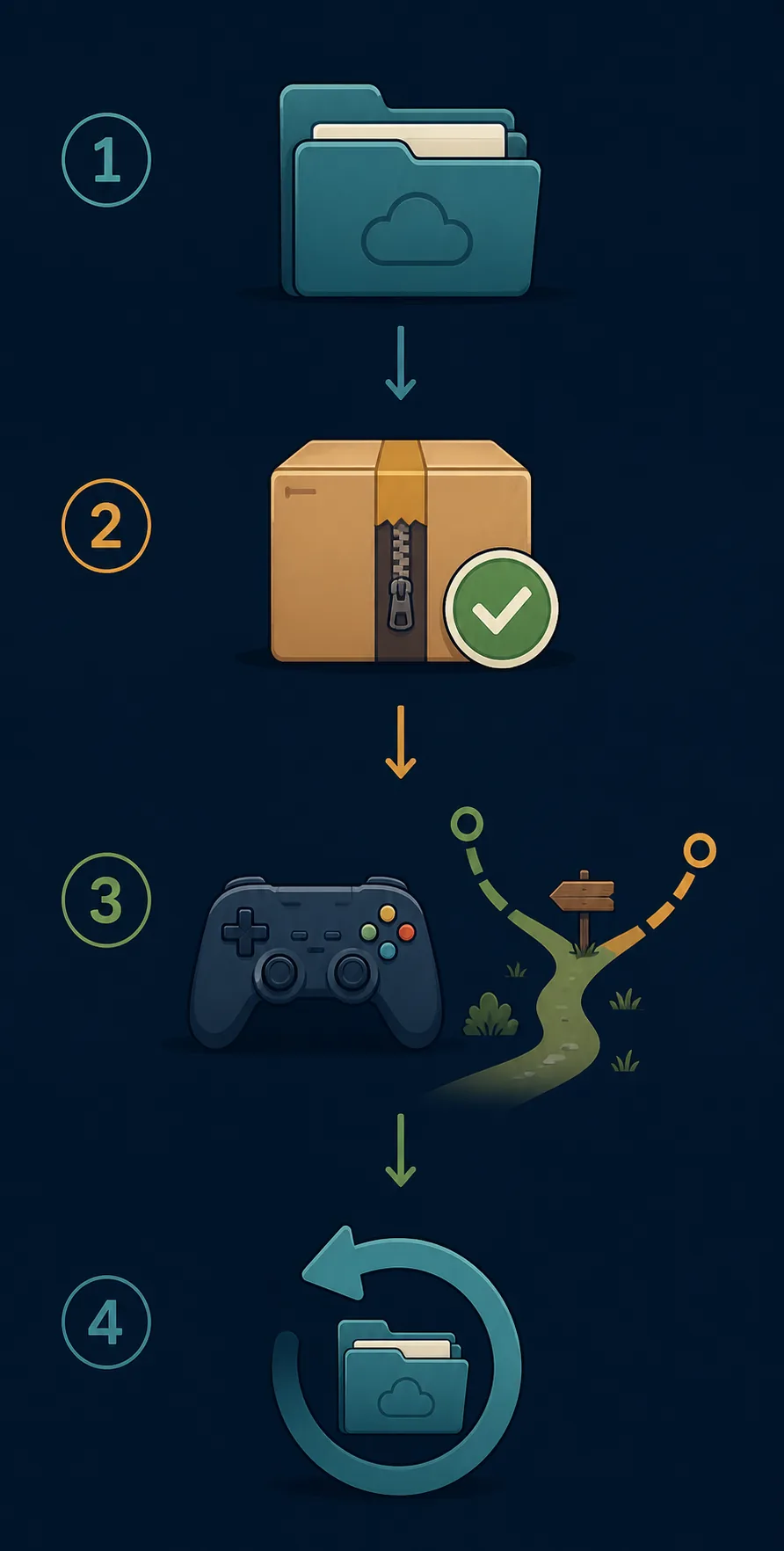
The safest randomizer tutorial is a reversible test plan. First prove that v1.4.1 can launch, load your own game data, accept input, save, and reload. Then make a dated backup of the entire user-data area and keep a copy of the stable application. Do not assume that a save is portable between a stable build and an experimental branch just because both display the same title.
Use a separate directory for the branch and a separate profile when the platform allows it. Keep the branch archive, source URL, commit, graphics backend, controller layer, and game-data path in a small text note. If a randomizer patch changes files inside the game-data directory, preserve the original dump and work on a copy that you can discard.
Test one change at a time. A useful first test is launch, title screen, seed or patched-data detection, a short representative scene, save, reload, and clean exit. Only after that should you add a tracker, an Archipelago connection, a texture pack, a controller remap, or a performance setting. This keeps a randomizer failure separate from a mod or input failure.
If the branch fails, do not delete the evidence immediately. Keep the log, reproduce the smallest failure, and return to the known-good folder. A clean stable build that works with the same game data is the strongest comparison you can provide to an issue report.
- Back up saves and settingsCopy the full user-data folder to a dated location outside the active installation.
- Freeze the stable baselineKeep the v1.4.1 application and a working launch path untouched.
- Create an isolated test folderPlace the branch or build under test in a separate directory with a clear name.
- Verify the same game-data sourceUse your own valid source and record whether the branch needs a patch, dump format, or region variant.
- Run the smallest reproducible testLaunch, load, test the randomizer state, save once, reload, and note the first failure.
- Rollback before adding complexityRestore the stable folder before trying another branch, mod, tracker, or graphics change.
Dusklight and Archipelago: what you can safely claim
Archipelago is a multiworld randomizer platform, while Dusklight is the application that renders and runs the game. A complete experience may require a randomizer generator, a patched or prepared game-data path, a client or integration layer, a tracker, and the game application. These components are not interchangeable.
The official sources checked for this page support a cautious statement: randomizer development and discussion exist, but readers should not treat the stable v1.4.1 download as an official Archipelago-ready package. An issue request, a community branch, or a third-party tutorial can be useful leads; none is a release guarantee.
If you test an Archipelago-related workflow, label each component by source and version. Do not mix a community patch with an unrelated stable package and then report the result as an official Dusklight bug. Keep the room, seed, client, branch commit, platform, and game-data preparation in the test note.
The same rule applies to the phrase randomizer on Dusklight. It is a useful description of the experiment, not a promise that every randomizer mode, tracker, or multiworld feature works on every platform.
- A tracker can display information without adding application support.
- A randomizer patch can alter game data without being a Dusklight release.
- An Archipelago room does not prove that the current stable build has native integration.
- A development branch can be platform-specific or temporarily broken.
- A community tutorial should identify its commit, source, and rollback path.
- Do not download or redistribute copyrighted game data from a randomizer guide.
Compatibility matrix: stable build, branch, tracker, and game data
Use this matrix to decide what a page or tool is actually promising. The stable release is the comparison point; the other rows are experiments or supporting components. A successful result in one row does not automatically transfer to another.
When a test fails, compare the smallest possible layer first. If the stable build cannot load the same game data, fix the ordinary installation before investigating randomizer behavior. If the stable build works and the branch fails, preserve the branch details for a focused report.
| Layer | What it can prove | What it cannot prove |
|---|---|---|
| Stable v1.4.1 release | A known-good ordinary Dusklight baseline | Native support for every randomizer or multiworld mode |
| Official randomizer branch | That development work can be inspected and tested | A supported package for every platform or save |
| Archipelago client or room | That a multiworld workflow exists around its own components | That Dusklight can run it without an integration layer |
| Tracker or overlay | That a player can follow seed information | That the game data or application is randomized |
| Patched game-data copy | That one prepared input can be tested in isolation | Permission to download or redistribute commercial data |
What to do when the randomizer branch crashes
Start by asking whether the same scene works in the stable v1.4.1 folder. If it does, record the branch name, commit, platform architecture, operating system, graphics backend, controller layer, randomizer or Archipelago component, and game-data preparation. Avoid changing several variables before reproducing the failure again.
A useful report includes the shortest reproduction: launch, load, connect or generate, enter a scene, then the exact point of failure. Include logs and screenshots only when they do not expose private paths or personal information. The official issue tracker is a better destination than a download comment because maintainers can connect the report to the source revision.
If you cannot reproduce the failure on a clean branch or cannot identify the source of the build, stop using that artifact. Restore the stable folder and backups, then revisit the official branch and release notes later. A cautious no is more useful than a broken save or a misleading claim that Archipelago is officially supported.
- Reproduce against the stable folderRun the same scene and data path without the experimental branch or third-party patch.
- Save the exact identityRecord release tag, branch, commit, package, platform, and component versions.
- Reduce the variablesDisable mods, overlays, custom input, and extra graphics changes before the second test.
- Keep the evidence privateRemove personal usernames and full local paths from logs before sharing them.
- Report or roll backUse the official issue tracker for a reproducible bug; otherwise restore the stable build and wait for clearer evidence.
Dusklight randomizer FAQ
Can I download a Dusklight randomizer build?
The official stable release checked for this guide is v1.4.1. Randomizer-related development evidence is not the same as a verified stable download package. Use the official source branch or issue context for research, keep experiments isolated, and do not use an anonymous mirror or an unverified repack.
Does Dusklight officially support Archipelago?
Do not assume it does. The sources checked here show randomizer development and discussion, but they do not provide a universal promise that the stable v1.4.1 build has native Archipelago multiworld support. Verify the current official branch and issues before testing.
Is v1.4.1 the same as a randomizer branch?
No. v1.4.1 is the stable release used as the clean baseline in this guide. A branch or commit may contain experimental changes and may require different files, settings, or platform support.
Can I use my normal Dusklight save with a randomizer?
Do not assume save compatibility. Back up the full user-data folder, keep the stable build separate, and use a disposable or clearly identified test path until the branch documentation proves that the save format is compatible.
Do I need a Twilight Princess ROM for Dusklight randomizer?
You need the game data required by the tested workflow, but this site does not host or link to ROM downloads. Use game data you are legally entitled to use and follow the official installation and data-preparation boundaries.
Does a randomizer tracker make Dusklight compatible?
No. A tracker can display seed or location information, but it does not add support to the application, patch game data, or connect an Archipelago multiworld session by itself.
Where should I report a branch crash?
First reproduce the smallest failure against the stable v1.4.1 baseline. Then report the branch or commit, platform, graphics backend, input layer, game-data preparation, component versions, and exact reproduction steps through the official project issue tracker.
Sources checked on August 16, 2026 official Dusklight release, official randomizer branch, official issue tracker, TwilitRealm project site, Archipelago project.