
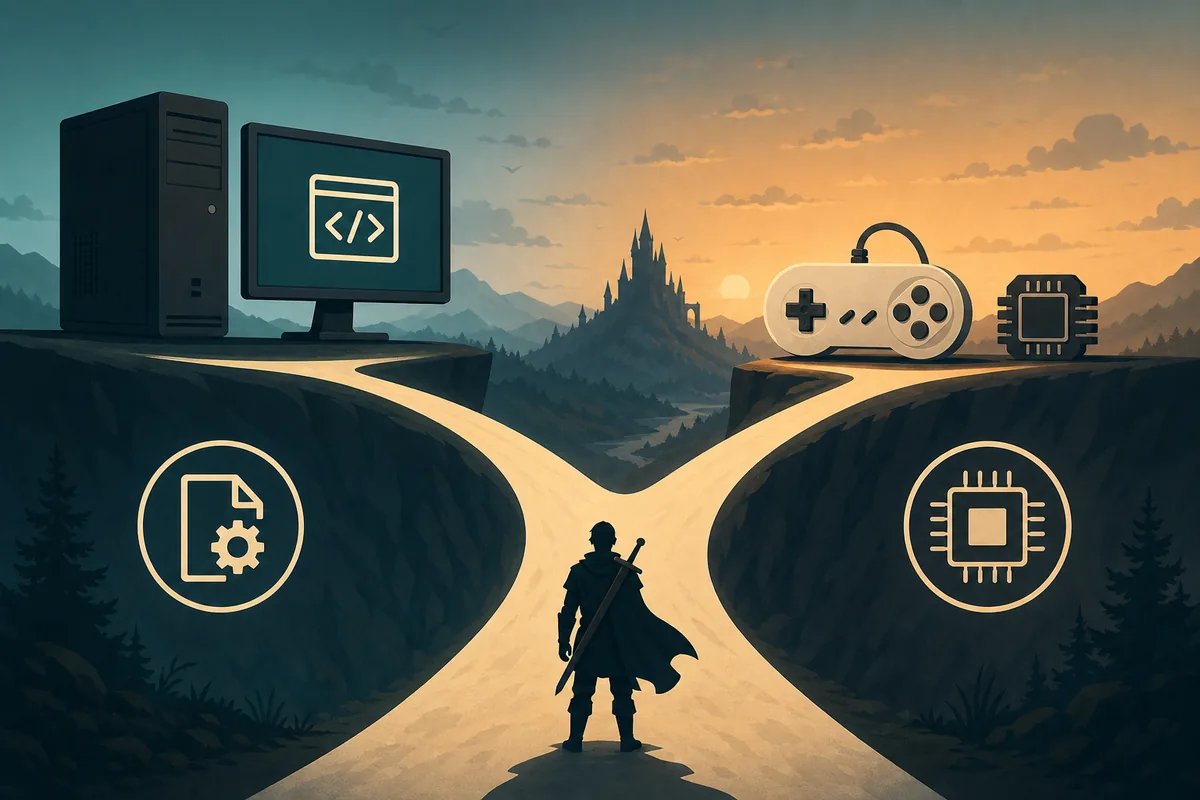
For most people asking how to play Twilight Princess on PC, Dusklight is the clearest first path. It is a maintained native reimplementation with separate desktop and mobile releases, so you choose a platform build instead of configuring a general-purpose emulator. Dolphin remains a reasonable alternative when your existing setup, controller mapping, or emulator tools matter more than a native port.
The two choices are not two downloads of the same program. Dusklight and Dolphin have different release channels, configuration files, troubleshooting steps, and compatibility assumptions. Use one clean test setup at a time, keep your own supported game data separate from the application files, and do not judge one path from a broken or mixed installation.
The current Dusklight release check for this guide found v1.4.1 on the official TwilitRealm GitHub release, published June 16, 2026. The site therefore describes v1.4.1 as the verified current release on August 1, 2026 and links readers to the maintained download and installation pages rather than inventing a mirror or a game-file download.
Before comparing both paths, prepare a repeatable baseline: use the same PC, starting resolution, compatible data source, and clean settings. Confirm that each option reaches the menu, accepts your controller, and loads a short known scene before adding textures, codes, mods, or inherited profiles. Changing one variable at a time makes it easier to tell whether a problem belongs to the port, emulator, driver, or data.
The better choice is the path you can install, test, update, and restore reliably. Keep the application, game data, saves, configuration, and mods separate; record the version and graphics or controller settings; and keep a working backup before experimenting. Choose Dusklight for a native, platform-specific workflow, or stay with Dolphin when its established profiles and emulator tools are more valuable to your setup.
- Best first test
- Dusklight v1.4.1
- Alternative path
- Dolphin emulator
- Main decision
- Native port or emulator workflow
- Game data
- Your own supported GameCube dump
- Release check
- Verified August 1, 2026
Choose the PC path before downloading anything
The phrase Twilight Princess PC port can describe two different decisions. A native port such as Dusklight is an application built for desktop or mobile operating systems. An emulator such as Dolphin is a separate program that recreates the original console environment. Both can be valid ways to play, but they are not interchangeable troubleshooting targets.
Start by deciding what you want to preserve. If you want a straightforward PC application with a current platform release and a focused Dusklight guide, choose the native path. If you already have a carefully tuned Dolphin setup and need its established emulator controls or graphics workflow, keep that path instead of changing systems just because a search result says PC port.
| Your priority | Better starting point | Why |
|---|---|---|
| A native PC build with platform-specific files | Dusklight | The release is distributed as a Windows, Linux, macOS, Android, or iOS build. |
| An established emulator configuration | Dolphin | You can keep the emulator's own controller, graphics, and per-game workflow. |
| The simplest first comparison | Dusklight first | A clean current native build gives you a clear baseline before adding other variables. |
| A mobile-first setup | Dusklight mobile | The project publishes Android and iOS builds, subject to device and signing limits. |
When Dusklight is the better way to play
Dusklight is the better first choice when your question is specifically how to play Twilight Princess on a modern PC without beginning with a general emulator configuration. The site maintains separate platform instructions, architecture notes, graphics-backend checks, input guidance, save protection, and troubleshooting around the current release. That makes the first test easier to reproduce: one application release, one supported game-data source, and one clean configuration.
The native route is also easier to reason about when you want to compare Windows, Linux, macOS, Android, or iOS support. Pick the release that matches the processor and operating system, keep the original archive until the extracted program launches, then add your own game data. Do not mix an Android APK, desktop ZIP, or emulator configuration just because all of them appear in a search for Twilight Princess on PC.
- Check the platform and architectureUse the Windows, Linux, macOS, Android, or iOS guide and confirm the processor family before downloading.
- Start with the verified releaseUse the current v1.4.1 source details and compare the filename and package type with the platform page.
- Install or extract cleanlyKeep the original archive, AppImage, APK, or IPA separate from old builds and test the program before adding mods.
- Provide your own game dataDusklight does not include Twilight Princess; select a supported dump that you created from a copy you own.
- Configure graphics and inputChoose a preferred graphics backend, connect one controller, and change one variable at a time.
- Prefer a clean folder for the first launch.
- Record the CPU architecture, GPU, operating system, and graphics backend when testing.
- Back up saves and settings before updates or mobile resets.
- Use the dedicated Windows, Android, Linux, Apple, and troubleshooting pages for platform-specific fixes.
When Dolphin or another emulator makes more sense
Dolphin makes more sense when you already use an emulator workflow and the important question is not which Dusklight file to download. You may prefer to keep an existing controller profile, graphics configuration, per-game settings, or a tested library workflow. In that situation, changing to a native port can introduce a new set of variables even if both paths use the same user-owned game data.
Treat the emulator as its own technical path. Do not copy a Dusklight configuration folder into Dolphin, assume a native-port fix applies to the emulator, or compare a modded build with a clean build and call the result a performance test. If you switch paths, write down the game-data source, controller mapping, resolution, graphics options, and active modifications so you can return to a known baseline.
- Keep emulator settings and Dusklight settings in separate backups.
- Use the same user-owned game-data source when the goal is a fair comparison.
- Test menus, input, loading, and a repeatable scene before judging performance.
- Look for emulator-specific documentation when the issue occurs only in Dolphin.
- Do not use a ROM, ISO, RVZ, or download mirror supplied by an unverified site.
How to compare both paths fairly
A useful comparison changes one variable at a time. Start with the same computer, the same supported game-data source, and a clean configuration for each path. Record whether the problem appears at launch, in menus, during a repeatable scene, or only after adding a texture replacement or controller layer. This prevents a platform issue from being mistaken for a game-data or mod issue.
Use the table as a first-pass checklist, not as a promise that either path will behave identically on every device. The official Dusklight v1.4.1 release fixes several project regressions, but drivers, operating-system policies, game-data quality, controller software, and third-party modifications can still change the result.
| Check | Dusklight | Dolphin |
|---|---|---|
| Application source | Use the verified native platform release. | Use the official emulator release and its own documentation. |
| Game data | Provide a supported user-owned dump. | Use the same supported user-owned source for comparison. |
| Controls | Use the native input and platform guide. | Use Dolphin's controller and per-game mapping workflow. |
| Mods | Test v1.4.1 clean before texture replacements. | Keep emulator-specific enhancements separate from Dusklight tests. |
| Troubleshooting | Start with the platform and graphics-backend checks. | Use emulator-specific logs and compatibility notes. |
Game data, legality, and version checks
Neither a native PC port nor an emulator is a license to download Twilight Princess game files from an anonymous mirror. Dusklight application packages and game data are separate. This site links to verified application releases and explains setup around a game dump that the user created from a copy they own; it does not host ROMs, ISO files, RVZ files, encryption keys, cracks, or repacks.
Because download pages age quickly, check the release source before following an old tutorial. This guide checked the official TwilitRealm GitHub release on August 1, 2026: v1.4.1 was still the verified release, with separate files for Windows, Linux, macOS, Android, and iOS. If the official source changes later, the release page is the authority and the site should be refreshed before claiming a newer version.
- Use the official release or the platform-specific Dusklight guide for application files.
- Do not mistake a community build or an emulator for an official Nintendo release.
- Keep application files, game data, saves, settings, and mods in separate backups.
- Read the official release notes when a version changes before updating a working setup.
How to play Twilight Princess on PC FAQ
Is Dusklight an official Nintendo Twilight Princess PC port?
No. Dusklight is an open-source reimplementation developed by TwilitRealm, not an official Nintendo release. The application and Nintendo game data are separate, and this site does not host the game data.
Is Dusklight better than Dolphin?
It depends on your goal. Choose Dusklight for a maintained native port and a platform-specific setup path. Keep Dolphin when your tested emulator configuration, controller mapping, or emulator tools are more important than using a native build.
How can I play Twilight Princess on PC legally?
Use a legitimate application path such as Dusklight or Dolphin and provide compatible game data from a copy you own, following the law that applies to you. Do not use ROM, ISO, RVZ, or repack downloads from unverified mirrors.
Can I use the same save in Dolphin and Dusklight?
Do not assume that a save can be moved safely between paths. Back up first, check the region and file format, and use the dedicated Dusklight save-file guide before replacing or converting data.
Is v1.4.1 still the current Dusklight release?
The official TwilitRealm GitHub release check recorded for this page on August 1, 2026 found v1.4.1, published June 16, 2026. Check the linked release source again before relying on a future latest-version claim.
Should I download a Twilight Princess ROM to play on PC?
No. Dusklight Wiki does not provide or link ROM, ISO, RVZ, encryption-key, crack, or repack downloads. Use your own supported game data and the verified application source instead.
Sources checked July 29, 2026: TwilitRealm official site, TwilitRealm installation guide, Dusklight v1.4.1 release, Dolphin official site.