
A custom Link model mod for Dusklight is not automatically drag-and-drop. The official Mod API documents asset-only .dusk bundles, native C++ mods, and Luau scripts, but no general recipe for importing an arbitrary character mesh. Confirm the exact release's supported model workflow first.
For a documented texture or asset replacement, start with the asset-only format. Custom model rendering is advanced work; follow current project documentation or a reproducible community guide. Keep the application, game data, saves, and mod files separate.
- Intended reader
- Dusklight model mod creator
- Official bundle format
- .dusk ZIP archive with mod.json
- Model import guarantee
- Not documented as a universal drag-and-drop flow
- Release note checked
- v2.0.3 · September 30, 2026
- Game data
- Use your own supported dump; do not redistribute it
Choose the right route for a Link model change
A model change might recolor a texture, replace a documented asset, alter rendering, or patch a game-data copy. These are different tasks. Choose a route supported by current documentation and list its required tools before editing.
The official Mod API defines asset-only, native C++, and Luau mods. Asset-only supports overlays and texture replacements; native C++ can interact with game code and needs platform builds; Luau uses exposed services. None of this proves an arbitrary Link mesh, rig, or animation can be imported by dropping it into a .dusk archive.
| Route | What the official source says | Use it when |
|---|---|---|
| Asset-only .dusk | Resources, overlays, supported texture replacements | The change matches a documented asset path |
| Code-backed mod | Native C++ uses game code; Luau uses exposed services | You can maintain the required code and platform builds |
| Community data patch | A separate workflow may alter a user-owned data copy | A guide names its tools, release, and restore method |
Check the current Mod API before following a tutorial
The official v2.0.3 release, published September 30, 2026, adds InterpService for interpolation used in custom model rendering. This shows rendering support is evolving; it does not promise automatic Link import, a public converter, or compatibility with every mesh. Recheck the release notes and Mod API before following an older tutorial.
Official docs describe .dusk as a ZIP containing mod.json and optional res, overlay, or textures folders, renamed with the .dusk extension. Follow documented paths and metadata. Do not invent a models/ folder and assume the game scans it.
Prepare a clean test copy and protect the baseline
Record the release, operating system and architecture, graphics backend, enabled mods, and test scene. Back up saves and settings separately. If a community workflow edits game data, use a copy of a supported dump you created from your own game; preserve the original and keep game data out of the mod archive.
Launch the unmodified setup, confirm the target scene, and capture the normal model from a repeatable camera position. Close the game before moving files. Test one change at a time so a failure has a clear cause.
- Record the environmentNote the release, platform, mod list, backend, save, and test scene.
- Back up user stateCopy saves and settings elsewhere, then verify the copy.
- Make a working copyPreserve original files and use only data you may access.
- Verify the clean runRepeat the launch and scene check before adding a package.
Package one change and test it in isolation
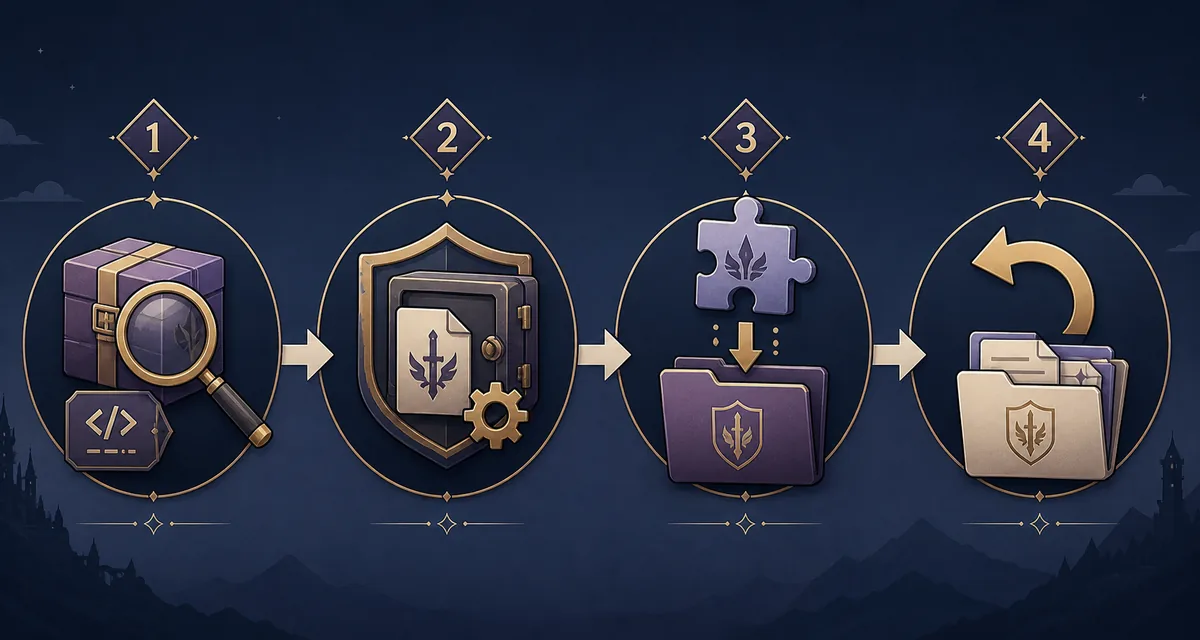
For an asset-only .dusk mod, start from the documented template and add only supported files. The API requires mod.json's id and recommends a stable identifier; name, version, author, and description help users identify it. Do not add code unless the chosen mod type requires it.
Build a minimal archive and test it through the documented install flow before adding textures or other mods. Native C++ needs platform builds. Luau is not a workaround for missing APIs; it can only call exposed services.
- Use a supported exampleStart from the official API or template for your release.
- Keep it minimalAdd one documented replacement and a stable id first.
- Follow the install flowUse documented locations instead of guessed paths.
- Compare with baselineRepeat the same save and scene and log the difference.
Check the result in repeatable gameplay scenes
A launch alone does not validate a model. Repeat the same save, camera, lighting, and movement. Check silhouette, materials, clipping, missing textures, animation transitions, menus, and cutscenes. If only one form changes, compare the other form with the clean baseline.
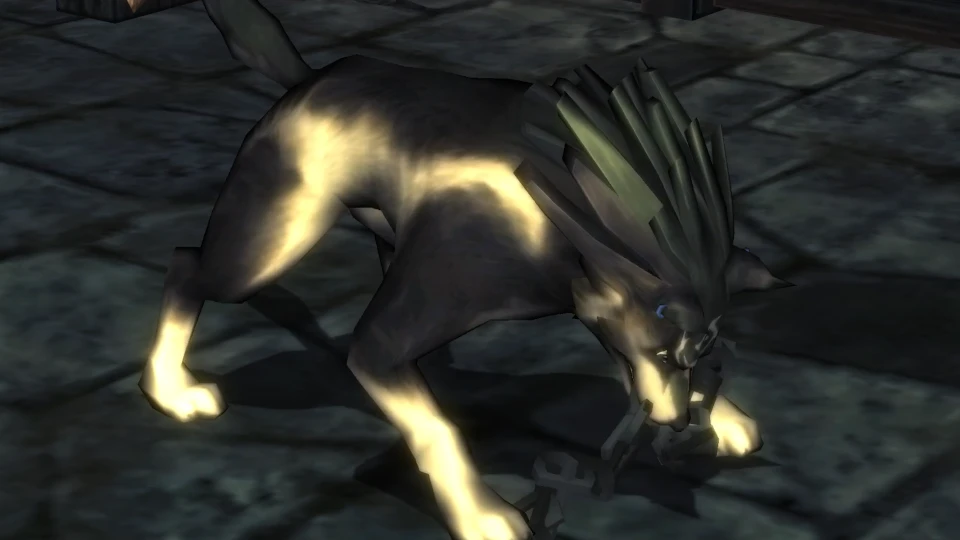
Capture before and after and log the package version and enabled mods. The image below shows a separate transformed form; it is a transition reference, not a custom model sample or supplied file.
| Check | What to record | If it fails |
|---|---|---|
| Visibility | Scene, form, and original or replacement model | Disable the package and confirm baseline |
| Materials | Missing, stretched, dark, or mismatched surfaces | Check documented paths one file at a time |
| Movement | Idle, motion, cutscene, and form changes | Recheck rig and animation requirements |
| Stability | Launch, load time, repeatable crashes | Remove the newest change first |
Document compatibility, publish carefully, and roll back cleanly
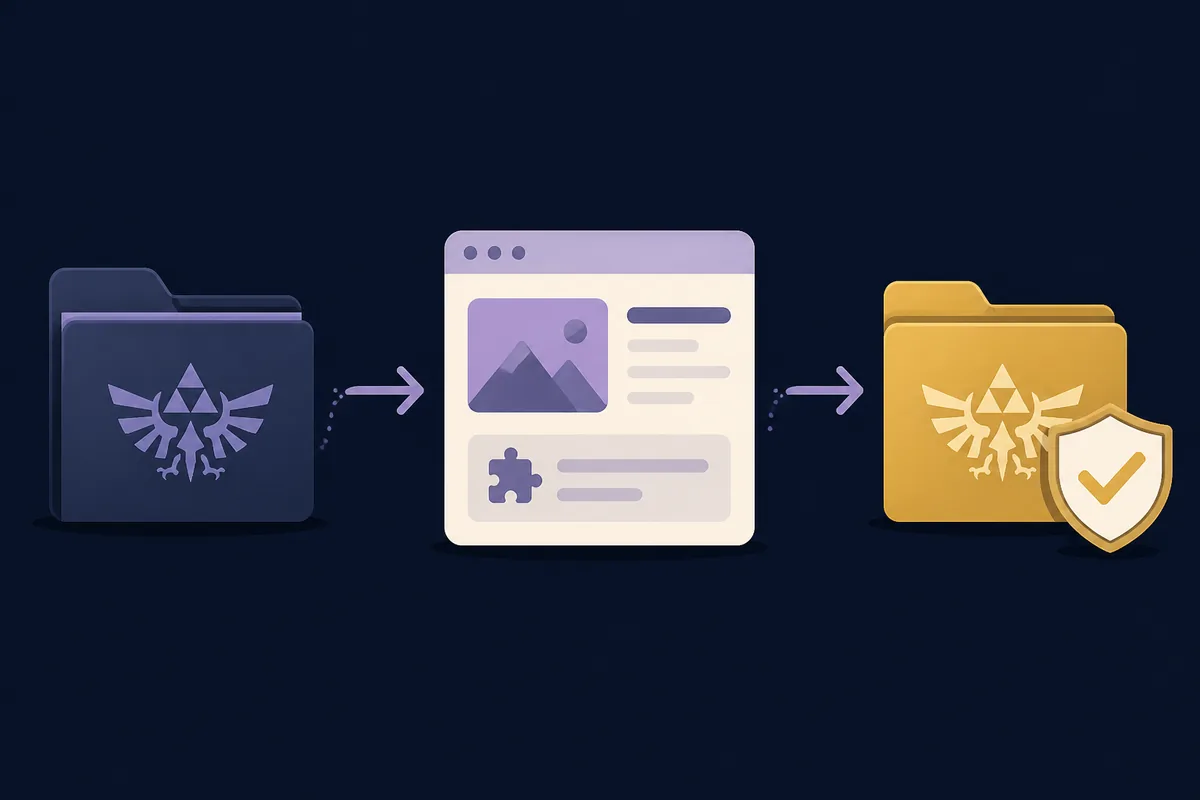
Document the tested release, platform, architecture, mod category, tools, conflicts, and reproduction steps. Include source and permission details, an accurate preview, and limits such as experimental status or platform coverage. One working scene does not prove universal compatibility.
Share only permitted mod files. Do not upload a game dump, copyrighted archive, key, or full game asset set. Link to official releases and the Mod API. After an update, mark the supported version range and retest before claiming a fix.
- Disable the packageClose the game and use its documented disable or move flow.
- Restore the baselineReturn the clean copy and saved settings; preserve originals.
- Repeat the testCheck whether the scene works and the symptom is gone.
- Report evidenceShare release, platform, package id, steps, and clean comparison.
Custom Link model mod FAQ
Can I make a custom Link model by putting a mesh in a .dusk file?
Do not assume so. The docs describe .dusk bundles but no universal model importer. Confirm supported paths and the release-specific workflow first.
What does Dusklight v2.0.3 add for custom models?
The September 30, 2026 notes say InterpService provides interpolation for custom model rendering. They do not promise an automatic importer or support for every mesh.
Should I choose an asset-only, C++, or Luau mod?
Choose by documented capability: asset-only handles supported files and textures, C++ can interact with game code, and Luau uses exposed services. Ask maintainers if the model workflow is unclear.
Can I include my game dump in the mod archive?
No. Keep the application mod separate from user-owned game data, and do not share a dump or copyrighted game archive. Follow applicable law and the game's official documentation for data you create and use locally.
Why does the model disappear or look wrong?
Check whether the selected route is actually supported, then compare documented paths, format, rig, materials, and release compatibility. Disable other mods and retest one change against the clean baseline.
How do I undo a model mod?
Close the game, disable or move the package using the documented flow, restore the clean test copy if needed, and repeat the same scene check. Keep saves and settings separate from mod files.
Official sources checked on October 23, 2026 official Dusklight Mod API, official v2.0.3 release notes, official mod template, official Dusklight releases.